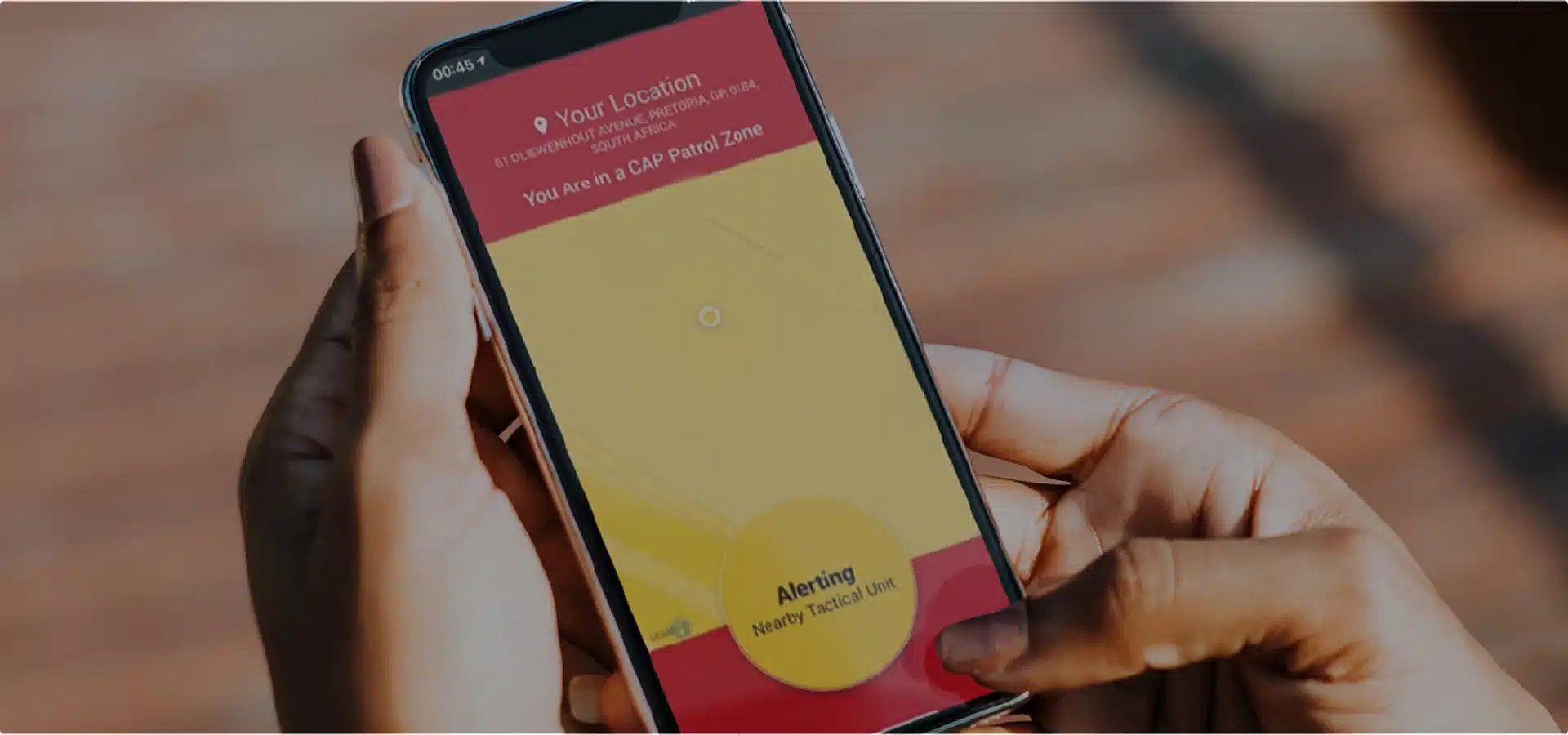
In an unpredictable world, personal safety is no longer just about securing your home; it is about ensuring protection wherever you go. Modern technology has made it easier than ever to carry peace of mind in your pocket. By utilising a dedicated security app, you can effectively transform your smartphone into a discreet, highly responsive mobile panic button.
Setting Up Your Mobile Panic Button
The transition from a standard smartphone to a robust personal safety tool begins with proper configuration. Once you have downloaded the CAP app, the initial setup requires granting necessary permissions, most notably location services. Because emergencies are unpredictable, the app relies on real-time GPS data to pinpoint your exact coordinates when an alert is triggered. Ensuring these permissions are permanently enabled helps you find help, even if you do not know your precise location.
How to Trigger an Alert in an Emergency
When danger arises, simplicity and speed are paramount. The CAP app is designed with an intuitive interface that allows users to activate a panic signal with minimal friction.
- The Digital Panic Button: A prominent, easily accessible button within the interface serves as your direct link to emergency services.
- Instant Dispatch: Activating the panic feature bypasses traditional, time-consuming voice calls, instantly transmitting your identity and location to a dedicated command centre.
- Rapid Response: Armed tactical units are deployed immediately to your exact GPS coordinates, drastically reducing response times when seconds count.
Maximising Your Personal Security
A security app is only effective if it is readily accessible. To maximise your safety, consider placing the app icon on your smartphone’s home screen or setting up a shortcut widget. Familiarising yourself with the interface during a calm moment ensures that utilising the mobile panic button becomes second nature during a high-stress event.